
Best Project Management Tools for Software Teams 2027
Software teams are opinionated about tools, and they should be. A bad tracker costs engineers time every day. The good news is that the market has matured: there’s a clear best option for most kinds of software team, and several of them are free for small teams.
Prices were checked on vendor sites on 19 November 2026. We make Worklenz, which isn’t a developer tracker; it’s on this list at number six for one specific case (software agencies), and we explain why.
Quick picks
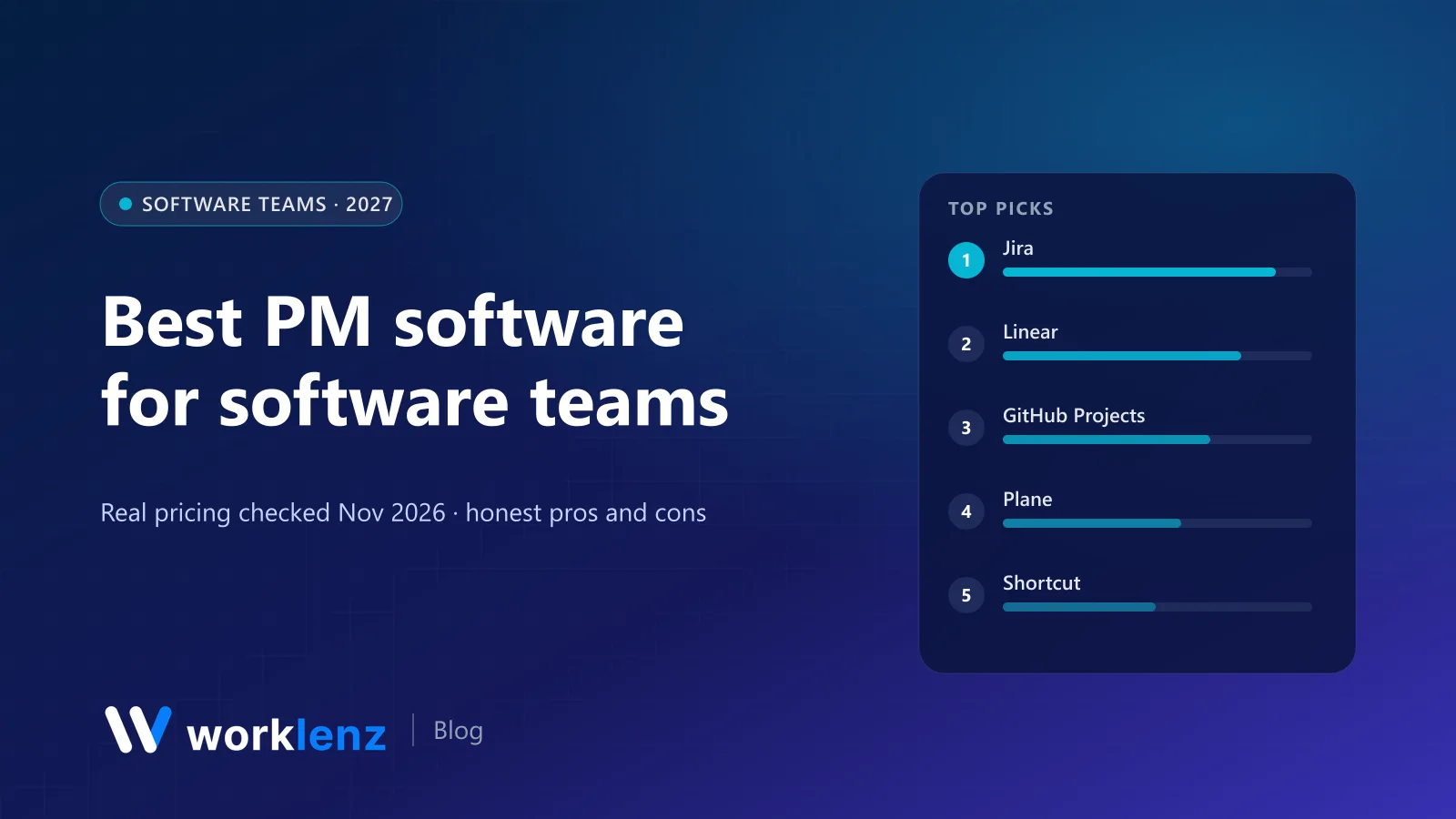
- Best overall, especially at scale: Jira
- Best for fast product teams: Linear
- Best free option if your code is on GitHub: GitHub Projects
- Best open source: Plane
- Best middle ground: Shortcut
- Best for software agencies’ client side: Worklenz
Comparison table
| Tool | Free plan | Paid from (annual) | Best for | Open source |
|---|---|---|---|---|
 Jira |
Up to 10 users | ~$7.53–9.05/user (seat-dependent) | Scale, complex workflows | No |
 Linear |
Unlimited members, 250 issues, 2 teams | $10/user (Basic) | Product teams | No |
 GitHub Projects |
Included in GitHub Free | $4/user (Team) | Teams on GitHub | No |
 Plane |
12 users | $6/user (Pro) | Open source Jira/Linear alternative | AGPL-3.0 |
 Shortcut |
Up to 10 users | $8.50/user (Team) | Mid-size product teams | No |
 Worklenz |
5 members, 3 projects | $6/user (Pro) | Software agencies (client side) | AGPL-3.0 |
 ClickUp |
Unlimited members, 60 MB | $9/user | Mixed engineering and business teams | No |
 OpenProject |
Community, self-hosted | €5.95/user (25 min) | Plan-driven engineering | GPL-3.0 |
 Taiga |
Self-hosted | Hosted plans available | Scrum purists | MPL-2.0 |
 Redmine |
Self-hosted | Free | Legacy and research orgs | GPL-2.0 |
What it costs a 15-person engineering team
Monthly, annual billing, on the first paid plan:
| Tool and plan | 15 engineers |
|---|---|
| GitHub Team (includes Projects) | $60 |
| Plane Pro | $90 |
| Shortcut Team | $127.50 |
| Jira Standard | roughly $115–140 |
| Linear Basic | $150 |
| ClickUp Core | $135 |
| Linear Business | $240 |
GitHub Team is also paying for repositories and CI minutes, so it’s not a like-for-like comparison, but if your code is already there, it’s hard to beat.
The 10 best tools for software teams
1. Jira
Jira remains the most complete tool for software development. Scrum and Kanban boards, backlogs, sprints, releases, advanced roadmaps on Premium, and a marketplace with an app for almost everything. The free plan covers up to 10 users with 2 GB of storage. Paid per-user prices fall as seat count rises; Standard is roughly $7.50–9 and Premium roughly $13.50–18 depending on team size.
Strengths: most complete agile toolset; huge marketplace; scales to many teams. Limitations: heavy for small teams; configuration can sprawl.
Pick it if: you have multiple teams, complex workflows or compliance needs. Skip it if: you’re 8 engineers who want to move fast.
2. Linear
Linear is fast, keyboard-driven and opinionated in ways engineers tend to appreciate: cycles, triage, projects and roadmaps with very little setup. Basic is $10 and Business $16 a user annually. Free allows unlimited members but caps you at 250 issues and 2 teams, so it’s a trial for most.
Strengths: speed and polish; strong defaults. Limitations: less customisable; guests only on Business.
Pick it if: you’re a product team that values speed and polish. Skip it if: you need heavy customisation or guests on a lower plan.
3. GitHub Projects
If your code lives on GitHub, Projects is the most natural place to plan work. Issues, pull requests and project boards and tables live together. Projects is included in GitHub’s free plan, and Team is $4 a user.
Strengths: planning next to code; effectively free. Limitations: awkward for non-engineers; lighter reporting.
Pick it if: you want planning next to code at no extra cost. Skip it if: non-engineers need to plan in the same tool.
4. Plane
Plane is the strongest open source alternative to Jira and Linear, with ~63k GitHub stars and an AGPL-3.0 community edition you can self-host. Issues, cycles, modules, pages and views feel modern. Cloud Free covers 12 users; Pro is $6 and Business $13 a user annually.
Strengths: Linear-like speed; self-hostable; generous free plan. Limitations: smaller integration ecosystem than Jira.
Pick it if: you want Linear-like speed with the option to self-host. Skip it if: you rely on Jira’s marketplace.
5. Shortcut
Shortcut sits between Jira and Linear: structured enough for growing teams, lighter than Jira. Free up to 10 users; Team $8.50; Business $12. It has a free plan for qualifying nonprofits and a startup programme with 12 months free.
Strengths: balanced structure; generous free and startup programmes. Limitations: smaller ecosystem.
Pick it if: you’ve outgrown Trello but find Jira heavy. Skip it if: you’re happy where you are; switching costs are real.
6. Worklenz (for software agencies)
Worklenz isn’t trying to replace Jira or Linear for engineering. It’s on this list because software agencies have a second job those tools don’t do well: running client projects. Scoping work into phases, tracking time for billing, showing clients progress in a portal, and sending invoices. Many software agencies keep engineering in a dev tracker and run the client side in Worklenz.
Pro is $6 a user annually with time tracking, timesheets, workload, client portal and invoices. It’s open source (AGPL-3.0, built with React and TypeScript) if you’d rather self-host.
Pick it if: you’re a dev shop that bills clients. Skip it if: you’re an internal product team.
See Worklenz for software and IT teams.
7. ClickUp
ClickUp works for companies where engineering and business teams share one tool. Sprints, points and docs are there, and time tracking starts on Core ($9). Engineers sometimes find it less focused than dedicated tools.
Pick it if: you want one tool across the company. Skip it if: engineers are choosing.
8. OpenProject
OpenProject (GPL-3.0) supports agile boards and backlogs alongside classic Gantt planning. It suits engineering teams inside organisations that plan in phases and need reporting upward.
Pick it if: you mix agile delivery with formal planning. Skip it if: you want a fast, minimal tracker.
9. Taiga
Taiga is a long-standing open source agile tool with Scrum and Kanban, epics, user stories and burndowns. The backend is MPL-2.0.
Pick it if: you want textbook Scrum in open source. Skip it if: you want the most active open source community; that’s Plane.
10. Redmine
Redmine (GPL-2.0) is old but dependable, with issue tracking, wikis, time tracking and a huge plugin ecosystem. Still common in research and public-sector engineering.
Pick it if: your organisation already runs it. Skip it if: you’re choosing something new.
Also worth a look
- YouTrack: JetBrains’ issue tracker, popular with teams already in JetBrains IDEs.
- GitLab: issues, boards and epics next to code if you self-host GitLab.
- ZenHub: agile planning layered on top of GitHub.
How to choose for an engineering team
- Under 10 engineers: GitHub Projects, Jira Free, Shortcut Free or Plane Free all cost nothing.
- Product team that values speed: Linear or Plane.
- Multiple teams, compliance, many stakeholders: Jira.
- Data must stay in-house: Plane or OpenProject, self-hosted.
- You’re an agency: a dev tracker for engineering plus Worklenz for time, client portal and invoicing.
Moving from Jira without losing history
- Export issues to CSV (or use the destination tool’s Jira importer if it has one).
- Map workflows first. Decide how Jira statuses map to the new tool’s states before you import.
- Keep links working. Leave old Jira issues read-only for a few months so links in commits and docs don’t break.
- Migrate one team first. Fix the rough edges before everyone moves.
Engineering metrics worth tracking (and a few to skip)
- Worth it: cycle time (start to done), throughput per cycle, bugs reopened, and how often planned work actually ships.
- Use with care: velocity in story points. Useful for one team’s planning, misleading when compared across teams.
- Skip: lines of code, commits per person, hours logged per engineer.
Most tools on this list report cycle time and throughput out of the box or through simple filters.
FAQ
What is the best project management software for software development teams?
What is the best free project management tool for developers?
Is Linear better than Jira?
What should software agencies use for project management?
Do engineering teams still need story points?
Run a dev agency? Keep the client side in one place.
Worklenz handles time, client portal and invoices next to your engineering tracker. $6 a user annually, or self-host.
Try Worklenz freeRelated: Worklenz vs Linear · Best open source PM for AI teams · Best open source PM for startups