
Best Project Management Software for Small Teams 2027
Small teams don’t fail at project management because they picked the wrong features. They fail because nobody keeps the tool updated after week three. So the best tool for a small team is the one people will actually open every morning, at a price that doesn’t need sign-off.
This list is for teams of roughly 2 to 20 people. Every price was checked on the vendor’s site on 19 November 2026. We build Worklenz, which is on the list. We’ve ranked it where we think it belongs and said when it isn’t the right choice.
Quick picks
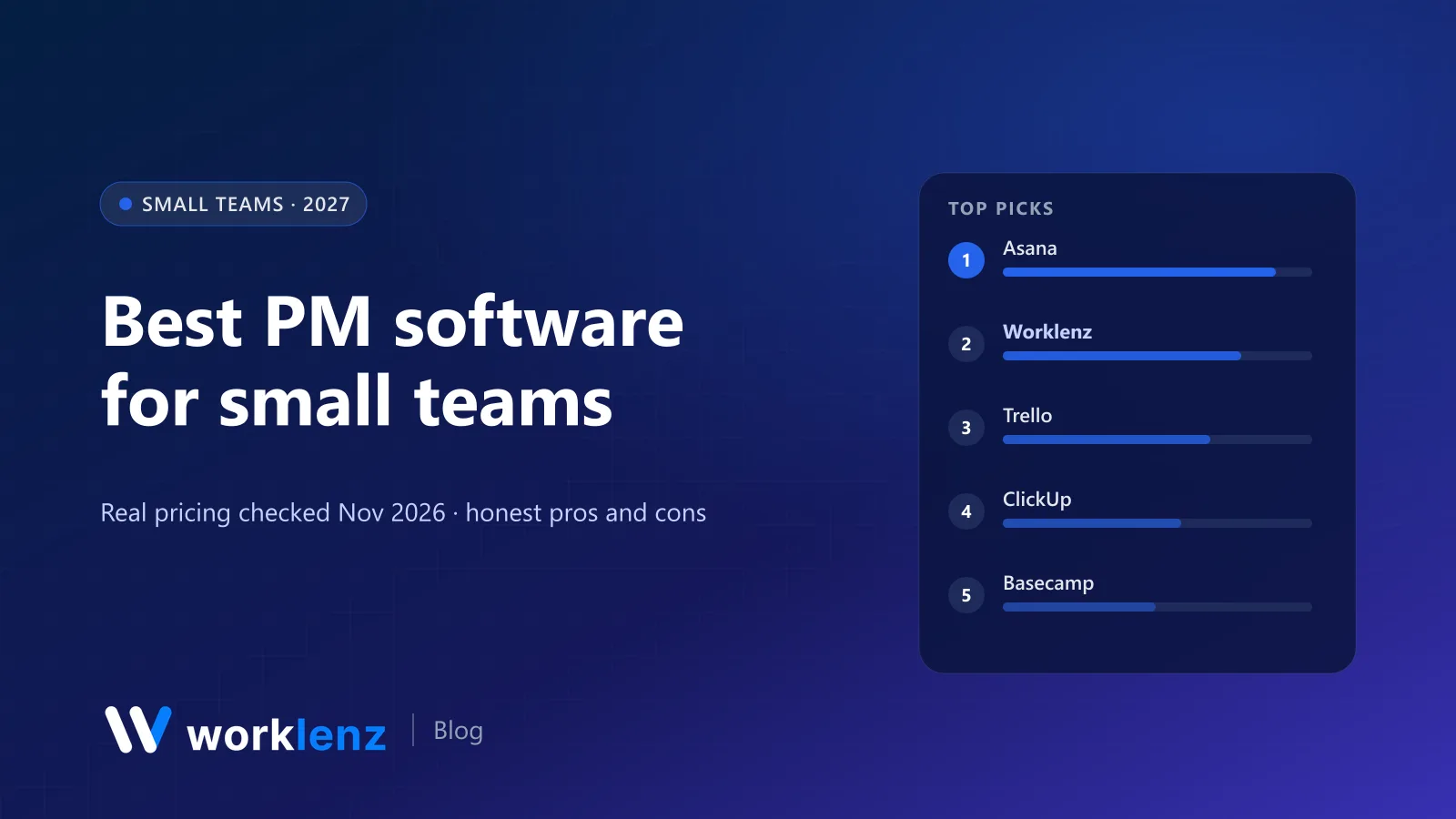
- Best overall: Asana
- Best value if you track time or work with clients: Worklenz
- Simplest: Trello
- Most features for the price: ClickUp
- Best flat-price option: Basecamp
- Cheapest paid plan: Zoho Projects
What it really costs a small team
Monthly cost on annual billing.
| Tool and plan | 5 users | 10 users | 20 users | Free plan |
|---|---|---|---|---|
 Worklenz Pro |
$30 | $60 | $120 | 5 members, 3 projects |
 Trello Standard |
$25 | $50 | $100 | 10 collaborators per workspace |
 Zoho Projects Premium |
~$20 | ~$40 | ~$80 | 5 users |
 ClickUp Core |
$45 | $90 | $180 | Unlimited members, 60 MB |
 Asana Starter |
~$55 | ~$110 | ~$220 | 2 users |
 monday.com Standard |
$60 | $120 | $240 | 2 seats |
 Notion Plus |
$50 | $100 | $200 | Yes |
 Basecamp |
$29 flat (5 users, 3 projects) | $79 flat (10 users, 8 projects) | $199 flat (unlimited) | 1 project |
 Nifty |
$50 (per member) | $79 flat (7–10) | $124 flat (11–30, Business) | 2 active projects |
 Teamwork.com Basics |
~$50 | ~$100 | ~$200 | 5 users, 5 projects |
What small teams actually need
Before the list, a reality check. Most teams under 20 need five things, and almost every tool here does them:
- One list of everything that’s in flight, with an owner and a date on each item.
- A board or list view per project so status is visible without asking.
- A shared calendar or timeline for deadlines.
- Comments on the task, not in chat, so context stays with the work.
- Something that nudges people: notifications, a daily digest or check-ins.
The differences show up in the extras: time tracking, client access, workload, Gantt charts, and how the price behaves when you hire person number six.
The 10 best tools for small teams
1. Asana
Asana is the tool most small teams grow into and few grow out of. It’s clean, reliable and flexible enough for marketing, ops and product work side by side. Starter ($10.99 a user annually) adds timeline and Gantt views, free guests and no seat limits. The free plan is now 2 users, so it’s a trial for anything bigger.
Strengths: polished interface, clear task ownership, free guests on Starter. Limitations: 2-user free plan; workload and time tracking on Advanced ($24.99).
Pick it if: your team does varied work and wants something polished. Skip it if: you need time tracking without paying for Advanced.
2. Worklenz
Worklenz is the best value on this list for small teams that bill time or deliver client projects. Pro is $6 a user on annual billing ($8 monthly) with no minimum seats and includes time tracking, timesheets, workload, a client portal, client invoices and read-only Gantt. Free covers 5 members and 3 active projects with lists, boards, templates, phases and a daily digest.
It’s also open source (AGPL-3.0), so a technical team can self-host it for free with unlimited users.
Strengths: time tracking, client portal and invoices for $6; no seat minimum; open source. Limitations: fewer integrations than Asana or ClickUp; Free plan has no time tracking.
Pick it if: you’re a small agency, studio or consultancy. Skip it if: you’re an internal team that never tracks hours.
3. Trello
Trello is still the quickest win for a small team. A board, some lists, some cards, done. Free covers 10 collaborators per workspace and 10 boards; Standard is $5 a user annually and Premium ($10) adds timeline, calendar and dashboard views.
Strengths: fastest setup of anything here; cheap paid tier. Limitations: no workload, time tracking or dependencies without Power-Ups.
Pick it if: your work is a pipeline of cards and nothing more. Skip it if: you need dependencies, workload or time tracking.
4. ClickUp
ClickUp gives a small team enormous capability for $9 a user. Docs, goals, dashboards, automations and many views are in the box. The free plan has unlimited members but 60 MB of storage.
The risk for small teams is over-engineering. Someone builds an elaborate workspace, leaves, and nobody understands it.
Strengths: most features per dollar; unlimited members on Free. Limitations: cluttered without an owner; 60 MB free storage.
Pick it if: one person on the team enjoys building systems. Skip it if: you want a tool with opinions.
5. Basecamp
Basecamp prices per package, not per user, which is great for small teams with contractors. Freelancer is $29 a month (3 projects, 5 users), Pro $79 (8 projects, 10 users) and Pro Plus $99 (12 projects, 15 users). Message boards, to-dos, schedules and automatic check-ins replace a lot of internal email.
Strengths: predictable bill; calm async communication. Limitations: project caps; no Gantt or workload.
Pick it if: you want calm async communication and a predictable bill. Skip it if: you run more projects than the package allows or need Gantt and workload.
6. Zoho Projects
At about $4 a user annually for Premium, Zoho Projects is the cheapest serious option, and it includes timesheets and project budgets. Free covers up to 5 users with a small project cap.
Strengths: lowest paid price; timesheets and budgets included. Limitations: dated interface; best inside the Zoho suite.
Pick it if: cost is the deciding factor. Skip it if: the dated interface will put your team off.
7. Nifty
Nifty bundles tasks, milestones, docs, chat and portfolios. For teams of 7 or more it switches to flat pricing: Pro is $79 a month for 7–10 people on annual billing, which can undercut per-user tools. Smaller teams pay $10 per member.
Strengths: flat pricing from 7 people; chat and docs built in. Limitations: free plan limited to 2 active projects.
Pick it if: you want flat pricing with modern features. Skip it if: you need more than 2 projects on free and aren’t ready to pay.
8. monday.com
monday.com is the most approachable tool here for non-technical people. But it has a 3-seat minimum, Gantt starts at Standard ($12) and time tracking at Pro ($19), so a small team that needs those pays more than with most alternatives.
Strengths: easiest adoption; friendly automations. Limitations: 3-seat minimum; time tracking on Pro.
Pick it if: ease of adoption beats price. Skip it if: you’re watching every dollar.
9. Notion
Notion is the right choice for small teams whose work is mostly writing: content teams, research teams, early-stage startups. Databases handle light project tracking. Plus is $10 a seat.
Strengths: best docs and wiki; flexible databases. Limitations: no workload, time tracking or real Gantt.
Pick it if: docs are the product. Skip it if: deadlines, capacity or hours matter.
10. Teamwork.com
Teamwork.com suits small client-service teams who want a mature tool their clients can log into. Free covers 5 users and 5 projects with Gantt. Basics is $9.99 a user with a 3-user minimum.
Strengths: free plan with Gantt; client users from Basics. Limitations: workload and budgets on Accelerate ($24.99, 5-user minimum).
Pick it if: you want client users in a polished PM tool. Skip it if: you need workload and budgets cheaply.
Also worth a look
- Plane: open source, Linear-like, free for up to 12 users on the cloud. Great for small product teams.
- Paymo: tasks, time tracking and invoicing for small studios; invoicing works even on the free 1-user plan.
- Jira: free for up to 10 users if you’re a dev team.
Which tool for which small team
- A 4-person marketing agency: Worklenz Pro ($24 a month annually) for client work, time and invoices.
- A 7-person startup: Asana Starter or ClickUp Core, plus Notion for docs if you write a lot.
- A 12-person team with contractors coming and going: Basecamp Pro Plus ($99 flat) or Nifty, where flat pricing beats per-seat.
- Two founders: Asana Personal or Trello Free. Don’t pay for anything yet.
Five rules for small teams choosing a tool
- Choose for the least enthusiastic person on the team. If they won’t use it, the tool is dead.
- Start with one project, not your whole business. Prove it on something real for two weeks.
- Watch the price of the second tier. That’s what you’ll actually pay within a year.
- Avoid minimum-seat plans if you’re under 5. monday.com, Teamwork.com Basics and Smartsheet Business all have them.
- Make one person the owner. Not the admin, the owner: the person who notices when the board goes stale.
A 30-minute setup that sticks
- Create one project for real, current work.
- Add every open task with an owner and a due date. No owner, no task.
- Pick one view everyone uses (board or list), and ignore the rest for now.
- Turn on a daily digest or notifications so people see what’s due.
- Hold a 15-minute weekly review using the tool, not slides.
After two weeks, add the second project. After a month, add the features you missed.
Signs you’ve outgrown your free plan
- You’re deleting old projects to stay under a project cap.
- You’re compressing files to fit storage limits.
- Someone keeps a spreadsheet for hours, budgets or capacity because the tool can’t.
- Clients ask for updates by email because there’s nowhere to send them.
When two of these are true, the paid plan usually costs less than the time you’re losing.
Mistakes small teams make with PM tools
- Buying for the team you’ll be in two years. Buy for today; switching later is easier than you think.
- Using every feature in week one. Start with tasks, owners and dates. Add views and automations later.
- Letting the tool become optional. If work can be assigned in chat, it will be.
FAQ
What is the best project management software for a small team?
How much should a small team pay for project management software?
Is free project management software good enough for a small team?
Should a small team use the same tool as big companies?
How do you get a small team to actually use a project management tool?
Built for small teams that do client work.
Time tracking, a client portal and invoices for $30 a month for five people. Free plan to start.
Try Worklenz freeRelated: Best project management software for 2027 · Best free project management software · Best team management software