
10 Best Time Tracking Software for 2027
Time tracking software sounds like a commodity until you try to invoice from it, approve a timesheet, or explain to a new hire why the app is taking screenshots. The differences that matter are on page three of each pricing table, so that’s where we looked.
All prices below were checked on vendor pricing pages on 19 November 2026, per user per month on annual billing unless stated. We make Worklenz, which includes time tracking as part of a project management tool. We’ve put it at number four because standalone trackers are better at some things, and we explain which.
Quick picks
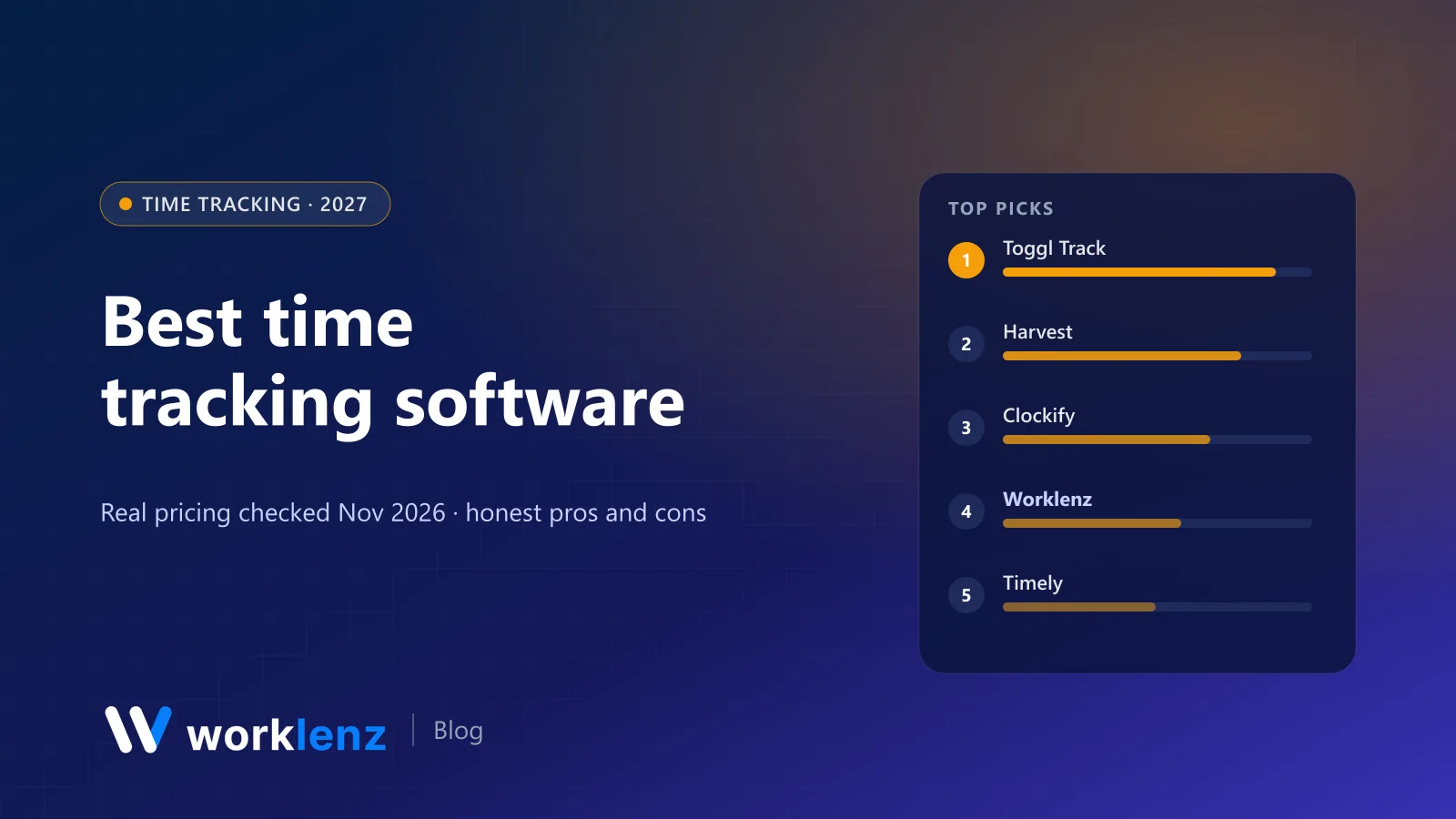
- Best overall: Toggl Track
- Best for invoicing from time: Harvest
- Best budget option: Clockify
- Best inside a project management tool: Worklenz
- Best automatic tracking: Timely
- Best for Asana or Jira users: Everhour
- Best for remote teams that need monitoring: Hubstaff
- Best free plan for big teams: TimeCamp
Comparison table
| Tool | Free plan | Paid from | Approvals | Invoicing | Monitoring |
|---|---|---|---|---|---|
 Toggl Track |
Up to 3 users | $9 | Premium ($16) | Not in plan tables | None, by design |
 Harvest |
1 seat, 2 projects | $9 | Enterprise ($14) | Free and up | No |
 Clockify |
Up to 5 users | $3.99 | Standard ($5.49) | Standard | Pro ($7.99), GPS |
 Worklenz |
5 members (no time tracking on Free) | $6 | Timesheets on Pro | Pro | No |
 Timely |
No | $9 (max 5 users) | Not shown | Not shown | Location tracking |
 Everhour |
Up to 5 seats | $8.50 (5-seat min) | Not shown | Team | No |
 Hubstaff |
No (14-day trial) | $4.99 | Not shown | Grow ($7.50) | Activity levels |
 TimeCamp |
Unlimited users | $3.99 | Ultimate ($9.99) | Starter | Screenshots on Ultimate |
 Jibble |
Free, unlimited users | Paid tiers | Yes | Yes | Screenshots, GPS |
 Connecteam |
Free up to 10 users | $29/mo per hub (30 users) | Yes | No | GPS clock-in |
What it costs a team of 10
Monthly cost on annual billing, at the tier where approvals or invoicing start:
| Tool and plan | What you get | 10 users |
|---|---|---|
| Clockify Standard | Approvals, invoicing | $54.90 |
| Worklenz Pro | Timesheets, invoices, plus project management | $60 |
| Harvest Teams | Invoicing, capacity view | $90 |
| TimeCamp Ultimate | Approvals, billing rates | $99.90 |
| Harvest Enterprise | Adds approvals | $140 |
| Toggl Track Premium | Approvals, fixed-fee projects | $160 |
| Timely Premium | Capacity and planned time (Starter caps at 5 users) | $160 |
How we compared them
Time trackers differ on four things that change what you pay and how your team feels about the tool:
- Capture: timers, manual entry, automatic tracking, calendar and browser integrations.
- Control: approvals, locking, billable vs non-billable.
- Money: rates, budgets, invoicing, accounting integrations.
- Monitoring: screenshots, activity scores, GPS. Some teams want them; many don’t.
The 10 best time tracking tools
1. Toggl Track
Toggl Track is the one most people enjoy using. One-click timers, a clean calendar view, browser extensions for nearly everything, and reports that make sense to clients. It says plainly on its pricing page that there are no screenshots and no surveillance, which matters to a lot of teams.
Starter is $9 ($12 monthly) and adds billable rates and project estimates. Premium is $16 ($24 monthly) and adds timesheet approvals, fixed-fee projects, project dashboards and Jira and Asana integrations. Free is for up to 3 users, with a 30-day trial on paid plans.
Strengths
- The most pleasant timer and reports
- No screenshots or surveillance
- Huge range of browser integrations
Limitations
- Approvals only on Premium
- Invoicing isn’t part of the plan tables
- Free plan limited to 3 users
Pick it if: you want accurate time data without your team feeling watched. Skip it if: you need invoices generated inside the tracker.
2. Harvest
Harvest has been the agency and freelancer favourite for invoicing for a long time, and it’s still very good at it. Invoicing is available even on Free (1 seat, 2 projects). Teams is $9 a seat ($108 a year) or $11 monthly, with billable and cost rates and a view of team capacity. Enterprise ($14) adds timesheet approvals. QuickBooks, Xero and Stripe connect on Teams. There’s a 30-day trial.
Strengths
- Time to invoice in a couple of clicks
- Accounting and payment integrations
- Simple enough for clients to understand reports
Limitations
- Approvals only on Enterprise
- Not a project management tool
- Free plan is just 1 seat and 2 projects
Pick it if: “track time, send invoice, get paid” is the whole workflow. Skip it if: you also need a proper project management tool. You’ll run two apps.
3. Clockify
Clockify is the best value in time tracking. Free covers up to 5 users with unlimited tracking, timesheets, reports (1-month range) and integrations with Asana, Trello, Jira, ClickUp and 80+ others. Paid plans are cheap: Basic $3.99, Standard $5.49 (approvals and invoicing), Pro $7.99 (budgets, scheduling, GPS and activity monitoring), Enterprise $11.99. Every active or invited user takes a paid seat. There’s a 7-day trial of Pro features.
Strengths
- Approvals and invoicing under $6
- Generous free plan
- 80+ tracking integrations
Limitations
- Every invited user takes a seat
- Free reports only cover one month
- Monitoring features exist on Pro, which some teams won’t want
Pick it if: you want approvals and invoicing cheaply. Skip it if: you’d rather your tool didn’t offer monitoring features at all.
4. Worklenz
Worklenz isn’t a standalone time tracker. It’s a project management tool where time is logged directly against tasks, so hours roll up into project, member and estimated-vs-actual reports without syncing anything. Timesheets, workload, the client portal and client invoices are all on Pro at $6 a user on annual billing ($8 monthly). Business ($10) adds project finance and billable work reports.
Strengths
- Time logged on the task, so reports show what hours were for
- Estimates vs actuals per project
- Client invoices and portal in the same tool
Limitations
- No time tracking on the Free plan
- No desktop app with automatic tracking or idle detection
- Fewer third-party tracker integrations than Toggl or Clockify
Pick it if: you’re tired of syncing a tracker with your PM tool. Skip it if: your projects live in another tool you’re keeping.
5. Timely
Timely tracks activity automatically in the background, then lets each person turn that private timeline into time entries. It’s the least effort for people who forget to start timers. Starter is $9 ($11 monthly), up to 5 users and 20 projects; Premium $16 ($20) adds planned time and workspace capacity; Unlimited is $22 ($28). Location tracking is on all plans, and there’s a 14-day trial.
Strengths
- Automatic capture for timer-forgetters
- Private timelines before anything is shared
- Budgets and billable rates from Starter
Limitations
- Starter capped at 5 users and 20 projects
- No free plan
- Pricier than Clockify for the same seat count
Pick it if: your team hates timers. Skip it if: you have more than 5 users and a tight budget.
6. Everhour
Everhour embeds timers inside Asana, Jira, Trello, ClickUp, Basecamp and others, so people track time where they already work. Free covers up to 5 seats but has no integrations. Team is $8.50 a seat annually with a 5-seat minimum and includes billing, budgeting and invoicing. The trial is 14 days.
Strengths
- Timers inside the PM tool you already use
- Budgets and invoicing on Team
- Clean reports
Limitations
- Free plan has no integrations
- 5-seat minimum on Team
- Depends on your PM tool’s integration staying healthy
Pick it if: you live in Asana or Jira and want time inside it. Skip it if: you’re a team of two.
7. Hubstaff
Hubstaff is built for remote and field teams where managers want activity data. It tracks activity levels, and higher tiers add scheduling, payroll and invoices. Starter $4.99, Grow $7.50, Team $10, Enterprise $25. No free plan, 14-day trial.
Strengths
- Activity data for distributed teams
- Invoices and payments from Grow
- Scheduling on Team
Limitations
- Monitoring can hurt trust
- No free plan
- Overkill for small office teams
Pick it if: you manage contractors or distributed teams and monitoring is expected. Skip it if: your culture is built on trust and outcomes.
8. TimeCamp
TimeCamp’s free plan is generous: unlimited users and projects, timesheets and apps on every platform. Starter $3.99 adds invoicing, Premium $6.99 budgets and a resource planner, and Ultimate $9.99 approvals, billing rates and screenshots.
Strengths
- Unlimited users free
- Cheap invoicing on Starter
- Resource planner on Premium
Limitations
- Approvals bundled with screenshots on Ultimate
- Interface is busier than Toggl’s
- Integrations limited below Ultimate
Pick it if: you want lots of users for free. Skip it if: you need approvals without monitoring features in the same tier.
9. Jibble
Jibble is free forever for unlimited users and leans toward attendance: clock-in from mobile, web or kiosk, GPS, schedules, plus approvals and invoicing listed as features. It’s popular with hourly and frontline teams.
Strengths
- Free for unlimited users
- Kiosk and mobile clock-in
- Payroll-friendly exports
Limitations
- Attendance-first, not project-first
- Screenshot features may not suit every culture
- Project profitability is limited
Pick it if: you track attendance more than project time. Skip it if: you need project profitability.
10. Connecteam
Connecteam is a workforce app for deskless teams, and its time clock is the core. The Small Business plan is free for up to 10 users; paid hubs start at $29 a month for the first 30 users. GPS clock-in, scheduling and payroll export are strong, and there’s a 14-day trial.
Strengths
- Free for 10 users
- Shift scheduling and time clock together
- Flat price for the first 30 users
Limitations
- Built for shifts, not projects
- No client invoicing
- Hub-based pricing takes a minute to understand
Pick it if: your people work shifts, not projects. Skip it if: you bill clients by project.
Also worth a look
- Kimai and solidtime: open source, self-hosted alternatives to Toggl and Harvest. See our open source time tracking list.
- Paymo: tasks, time and invoicing together; unlimited invoices even on the free 1-user plan.
- Float: time tracking on its Pro plan alongside resource scheduling.
How to choose a time tracker
Decide what time is for. Billing clients needs rates and invoicing. Payroll needs attendance and overtime. Profitability needs estimates against actuals per project. Each points to a different tool.
Find the approvals tier. If a manager must sign off timesheets, that’s usually a mid or top tier: Clockify Standard, Toggl Premium, Harvest Enterprise, TimeCamp Ultimate.
Have the monitoring conversation first. Screenshots and activity scores change how people feel about tracking. Decide your policy before you pick a tool that has them.
Track where the work is. The best accuracy comes from tracking inside the tool where tasks live: Worklenz, Everhour inside Asana or Jira, or Toggl’s browser extension.
Which tracker for which team
- Freelancer: Harvest Free (1 seat, 2 projects) or Clockify Free.
- Agency of 8 that invoices clients: Harvest Teams, or Worklenz Pro if you also want projects and a client portal.
- Remote team of 25 contractors: Hubstaff Team or Clockify Pro.
- Retail or field team: Connecteam or Jibble.
Rolling out time tracking without a revolt
- Explain why. Billing accuracy and fair workload, not surveillance.
- Track against tasks, not just projects.
- Start with timers and reminders, then add approvals once the habit sticks.
- Share the data back. People track more honestly when they can see their own utilisation.
For the habit side, see how to track billable hours for agencies.
FAQ
What is the best time tracking software in 2027?
What is the best free time tracking software?
Which time tracker has timesheet approvals?
Do time trackers take screenshots of employees?
How much billable time do teams lose without time tracking?
Time tracking that lives with your projects.
Worklenz Pro: time tracking, timesheets, workload and client invoices for $6 a user, billed annually.
Start a 14-day trialRelated: Best timesheet software · Best open source time tracking software · How to track billable hours for agencies