
Best Project Management Software for Nonprofits 2027
Nonprofits need the same project management as businesses (programmes, deadlines, volunteers, reports to funders) on a fraction of the budget. The good news is that several vendors offer real nonprofit pricing, and open source tools remove licence costs entirely.
We checked each vendor’s nonprofit page on 19 November 2026. Eligibility usually means registered charity status (501(c)(3) in the US, or equivalent elsewhere), and several programmes exclude hospitals, schools or government-run bodies. We make Worklenz, which is on the list.
Quick picks
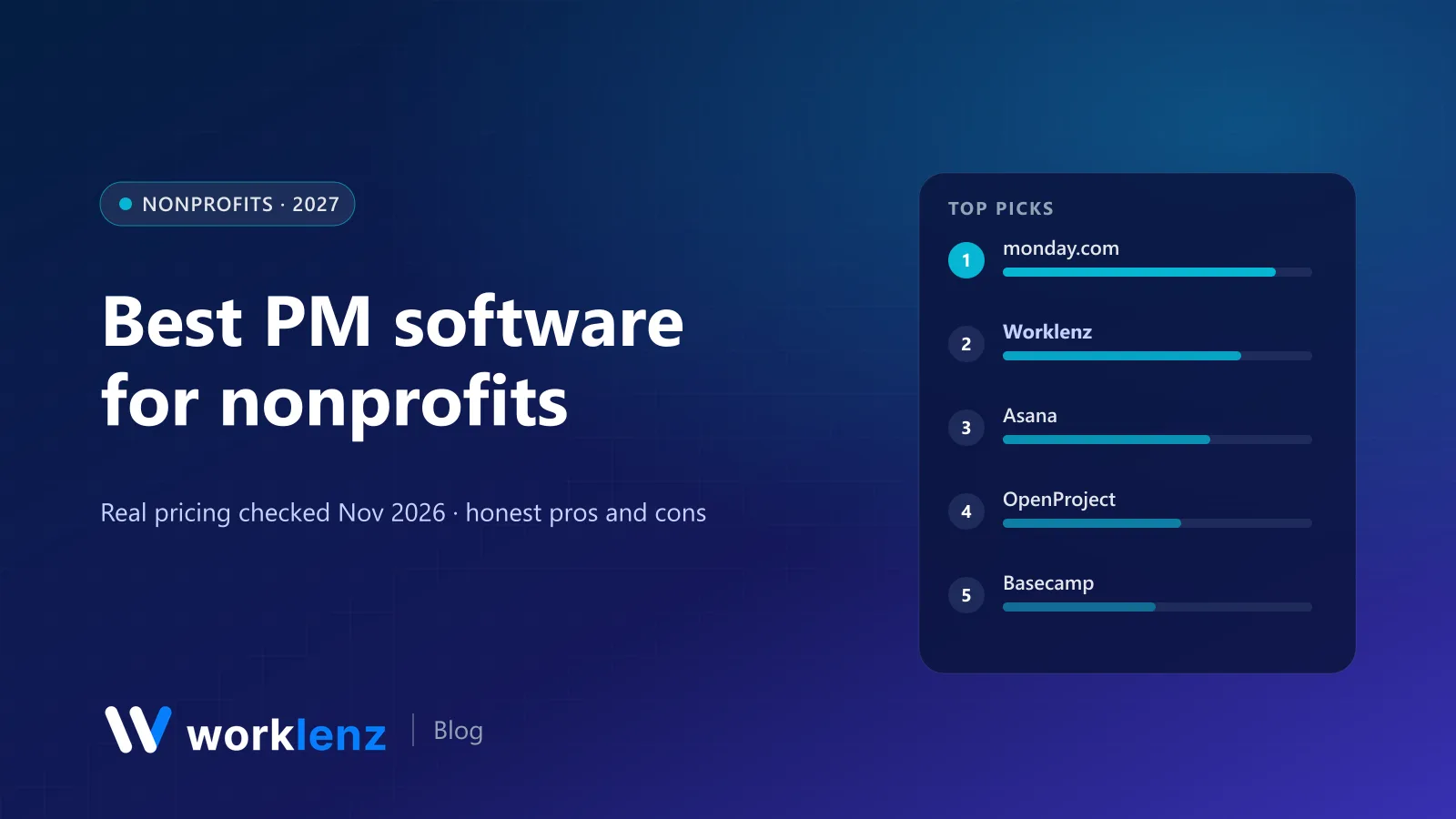
- Best nonprofit deal on a mainstream tool: monday.com (10 seats free)
- Best open source option with no user cap: Worklenz Community
- Best for cross-team programme work: Asana (50% off)
- Best for formal grant-funded projects: OpenProject
- Best simple, calm option: Basecamp
- Best free plan for small volunteer teams: Trello
Nonprofit offers at a glance
| Tool | Nonprofit offer (verified Nov 2026) | Notes |
|---|---|---|
 monday.com |
10 seats free, 70% off additional seats | Annual only; excludes education, hospitals, government-managed nonprofits |
 Worklenz |
Open source Community edition, free for unlimited users (self-hosted) | Not a discount programme; Cloud Pro is $6/user annually |
 Asana |
50% off | Eligible 501(c)(3)s, libraries, education; excludes hospitals |
 OpenProject |
Special rates for NGOs and education | Community edition free |
 Basecamp |
Nonprofit discount for 501(c)(3)s | Email paperwork after sign-up |
 Trello |
Free plan (10 collaborators/workspace) | No specific discount checked |
 ClickUp |
Free Forever (unlimited members) | No specific discount checked |
 Zoho Projects |
Free up to 5 users | Premium ~$4/user |
 Shortcut |
Free plan for qualifying nonprofits | Software teams |
 GitHub |
Discounted organisation for nonprofits | Projects included free anyway |
What a 25-person nonprofit would pay
Monthly, annual billing, using each vendor’s nonprofit pricing where it applies:
| Option | 25 staff and regular volunteers |
|---|---|
| Worklenz Community (self-hosted) | $0 licence + server (~$10–40) |
| ClickUp Free | $0 (watch 60 MB storage) |
| monday.com nonprofit | 10 seats free, 15 at 70% off |
| Asana Starter at 50% off | ~$137 |
| Zoho Projects Premium | ~$100 |
| Worklenz Cloud Pro | $150 |
| Basecamp Pro Unlimited | $199 before nonprofit discount |
The 10 best tools for nonprofits
1. monday.com
monday.com’s nonprofit plan is the most generous on a mainstream tool: the first 10 seats are free, then 70% off each additional seat, on annual billing only. Seats are added in lots of five. It’s visual, easy for volunteers to learn, and good for programme boards and event planning.
Eligibility excludes educational organisations, hospitals and government-managed nonprofits, and monday.com says it won’t honour monthly plans or discounts on them.
Pick it if: you’re an eligible charity with up to 10 core staff. Skip it if: you need monthly billing or fall outside the eligibility rules.
2. Worklenz
Worklenz has two routes for nonprofits. The self-hosted Community edition is open source (AGPL-3.0) and free for unlimited users, which suits larger NGOs and federations that have IT support and want data on their own servers. Worklenz Cloud starts free for 5 members and 3 active projects, with Pro at $6 a user annually.
For grant-funded work, the useful parts are projects organised by programme with phases, time logged against tasks (so you can report staff effort per grant), workload across programmes, and a portal where funders or partner organisations can follow progress.
Pick it if: you report staff time to funders, or need unlimited users at no licence cost. Skip it if: you have no one who can run a server and need more than the cloud free plan.
3. Asana
Asana offers 50% off for eligible nonprofits, and the discount lasts as long as you stay. It’s excellent for cross-team programme work, campaigns and events. With 50% off, Starter is roughly $5.50 a user annually.
Pick it if: you want a polished tool and qualify for the discount. Skip it if: you need native time tracking without Advanced.
4. OpenProject
OpenProject’s Community edition is free, and the company offers special rates for NGOs and educational institutions on its paid editions. It’s strong for formal, grant-funded projects with work packages, Gantt charts, budgets and time and cost reporting.
Pick it if: your funders expect proper project plans. Skip it if: your team prefers light, informal tools.
5. Basecamp
Basecamp offers a discount for 501(c)(3) organisations (you email your paperwork after signing up). Its flat pricing ($29 to $199 a month) is already friendly to organisations with lots of volunteers.
Pick it if: you want simple, calm coordination with volunteers. Skip it if: you need timelines or capacity planning.
6. Trello
Trello’s free plan covers 10 collaborators per workspace and 10 boards, enough for many small volunteer groups.
Pick it if: you’re a small volunteer team. Skip it if: you need reporting.
7. ClickUp
ClickUp Free has unlimited members, which suits volunteer-heavy organisations, though storage is just 60 MB.
Pick it if: you have many volunteers and few files. Skip it if: you share lots of documents.
8. Zoho Projects
Zoho Projects is free for up to 5 users, and Premium (about $4 a user annually) includes timesheets and project budgets, which helps with grant reporting.
Pick it if: you want timesheets cheaply. Skip it if: your team needs a modern interface.
9. Shortcut
Shortcut offers a free full plan for qualifying nonprofits. It’s a software development tool, so it’s mainly for tech nonprofits and digital teams.
Pick it if: you build software. Skip it if: you don’t.
10. GitHub Projects
GitHub Projects is free on GitHub’s free plan, and GitHub offers a discounted organisation for government-recognised nonprofits. Good for open data and civic tech projects.
Pick it if: your projects live on GitHub. Skip it if: your team isn’t technical.
Setting up grant reporting in a project tool
- One project per grant, named the way your funder names it.
- Phases or milestones that match the grant’s reporting periods and deliverables.
- Time logged against tasks by every staff member funded by the grant.
- A monthly export of hours by person and project, saved with your grant records.
- A portal or shared view for funders who want to see progress between reports.
Tips for nonprofits choosing a tool
- Check eligibility before you fall in love. Discount programmes exclude different kinds of organisations.
- Think about volunteers. Per-seat pricing gets expensive with many occasional users. Free plans with unlimited members, flat pricing or self-hosting help.
- Plan for funder reporting. If you report staff time per grant, pick a tool with time tracking built in.
- Consider data sensitivity. If you handle beneficiary data, self-hosted open source keeps it under your control.
- Annual billing is usually required for nonprofit discounts. Budget for it.
Questions to ask a vendor before you sign up
- Is our organisation eligible? Ask about your exact legal status and country.
- Is the discount permanent or for the first year?
- Do volunteers count as paid seats? Ask about guests, viewers and occasional users.
- Is annual billing required? Most nonprofit pricing is annual only.
- Can we export everything if we leave? Grant records need to outlive any one tool.
Volunteer access patterns that work
- Core volunteers (weekly, with responsibilities): full accounts, so tasks have real owners.
- Occasional helpers (events, one-off tasks): guest or viewer access, or a shared sign-up board.
- Board members and funders: read-only views or a portal, with no access to beneficiary data.
FAQ
What is the best project management software for nonprofits?
Which project management tools have nonprofit discounts?
How can nonprofits track staff time for grant reporting?
Is open source software a good fit for nonprofits?
How should nonprofits manage volunteers in a project tool?
No licence fees, no user caps.
Self-host Worklenz Community for your whole organisation, including grant time tracking and a funder-facing portal.
Self-host WorklenzRelated: How to manage a nonprofit project · Best free project management software · Best open source PM for government