
10 Best Marketing Agency Project Management Tools 2027
Marketing agencies run on three things that generic project tools handle badly: retainers that burn a bit every week, approvals from clients who reply three days late, and dozens of small deliverables across many clients at once. The right tool makes those visible. The wrong one turns into a beautiful board nobody trusts.
We compared ten tools marketing agencies actually use. Prices were checked on vendor sites on 19 November 2026. We make Worklenz, which we built for this kind of agency, and we’ve said where others are a better fit.
Quick picks
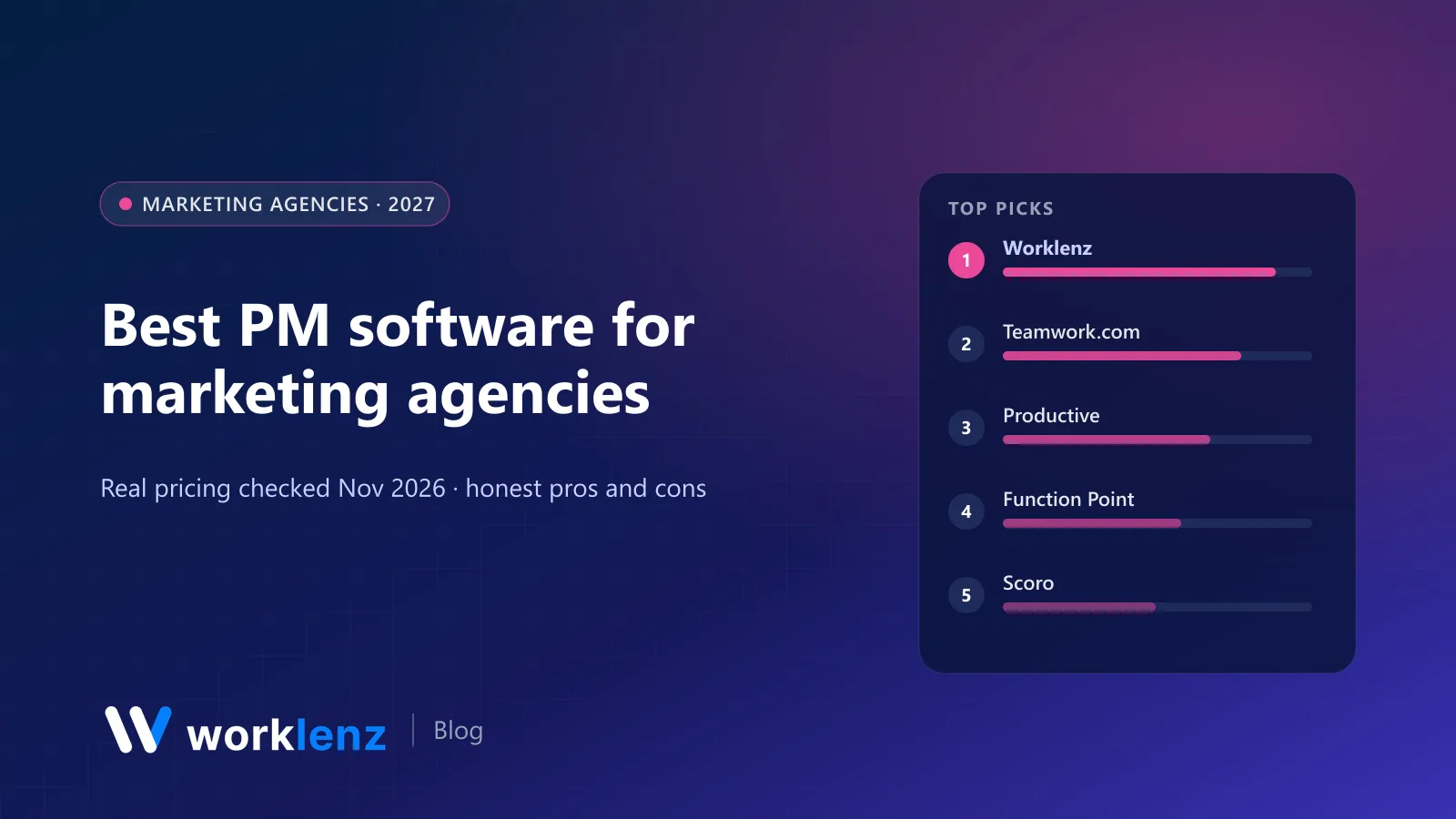
- Best value for small and mid-size agencies: Worklenz
- Best mature client-work tool: Teamwork.com
- Best for profitability reporting: Productive
- Most agency-specific: Function Point
- Best for quote-to-cash: Scoro
- Best for campaign planning without billing: Asana
- Best for review and approval workflows: Wrike
Comparison table
| Tool | Starts at (annual) | Time tracking | Retainers/budgets | Client access | Invoicing |
|---|---|---|---|---|---|
 Worklenz |
$6/user | Pro | Project finance on Business ($10) | Client portal on Pro | Pro |
 Teamwork.com |
$9.99/user (min 3) | Yes | Accelerate ($24.99) | Basics | Basic invoices on Accelerate |
 Productive |
~$10–12/user | Essential | Essential | Not listed | Integrations |
 Function Point |
~$53/user | All plans | All plans | Not listed | All plans |
 Scoro |
$17/user (min 5) | Yes | Estimate app | Paid add-on | Invoice app |
 Asana |
$10.99/user | Advanced ($24.99) | Budgets add-on | Free guests on Starter | No |
 monday.com |
$9/seat (min 3) | Pro ($19) | No | Guests on Standard | No |
 ClickUp |
$9/user | Core | No native | Guests | No |
 Wrike |
$10/user | Pinnacle | Pinnacle | Paid seats | No |
 Basecamp |
$29/mo flat | Basic | No | Clients count as users | No |
What a 12-person marketing agency would pay
Monthly, annual billing, on the tier that includes time tracking plus some form of client access:
| Tool and tier | 12 people |
|---|---|
| Worklenz Pro | $72 |
| Worklenz Business (retainer and project finance) | $120 |
| ClickUp Core | $108 |
| Teamwork.com Accelerate | ~$300 |
| Productive Professional | ~$300 |
| Asana Advanced (for time tracking) | ~$300 |
| Scoro Projects & Resources | $348 |
| Function Point Standardize | ~$636–696 |
The 10 best tools for marketing agencies
1. Worklenz
Worklenz is built for the agency model. Each client project has phases, tasks and templates (so your monthly SEO retainer or campaign launch starts from a standard structure), and the team logs time against tasks. Workload shows who’s overbooked across clients. Clients get a portal to follow progress and submit requests, which keeps ad-hoc asks out of your inbox and makes scope creep visible. Invoices go out from the same place.
Pro is $6 a user annually ($8 monthly) with time tracking, timesheets, workload, the client portal, client requests and invoices. Business ($10) adds project finance, billable work reports, the branded portal and full Gantt editing, which is where retainer profitability really shows up. No minimum seats.
Strengths: retainer templates, hours and client portal together; cheap at agency team sizes. Limitations: no built-in creative proofing or social calendar; link proofs from Figma, Frame.io or Filestage.
Pick it if: you want delivery, hours, client visibility and invoices together without paying $25+ a seat. Skip it if: proofing inside the PM tool is non-negotiable.
2. Teamwork.com
Teamwork.com has marketed to agencies for years and it shows. Client users from Basics ($9.99, minimum 3), and Accelerate ($24.99, minimum 5) adds workload, time budgets, retainers and basic invoices.
Pick it if: you want a polished client-work tool and can pay for Accelerate. Skip it if: you’re a 3-person agency watching cost.
3. Productive
Productive is the finance-minded agency tool: budgets, rate cards, recurring budgets for retainers and resource planning. Professional is $25 a user annually; forecasting and scenarios are on Ultimate.
Pick it if: the owner wants margin by client every month. Skip it if: you mainly need task management.
4. Function Point
Function Point is built only for agencies: job tickets, resource forecasting by role, campaign budgets, profitability by client and batch invoicing on every plan. It’s priced like it, at $53–68 a user a month plus onboarding.
Pick it if: you want an agency operating system and the budget is there. Skip it if: you’re under 15 people.
5. Scoro
Scoro connects quotes, projects, time and invoices. Agencies that quote every job like the flow from estimate to invoice. From $17 a user with a 5-user minimum; the client portal is an add-on.
Pick it if: quoting accuracy is your biggest problem. Skip it if: you want simple, low-cost tooling.
6. Asana
Asana is excellent for campaign planning, content calendars and cross-team launches, and clients can be invited as free guests on Starter ($10.99). Time tracking is on Advanced ($24.99) and budgets come via an add-on, so agency finance lives elsewhere.
Pick it if: your agency is campaign-heavy and bills on fixed fees. Skip it if: you bill by the hour.
7. monday.com
monday.com is popular with marketing teams for colourful content calendars and approval boards. Standard ($12, minimum 3) adds timeline views and guests; time tracking is on Pro ($19).
Pick it if: your team loves visual boards. Skip it if: you need agency finance.
8. ClickUp
ClickUp’s docs, whiteboards, forms and many views cover a lot of marketing workflows, and time tracking is on Core ($9). It needs a confident admin.
Pick it if: someone on the team will own the setup. Skip it if: you want agency features out of the box.
9. Wrike
Wrike’s request forms, approvals and proofing workflows suit larger in-house and agency creative teams. Team is $10 a user, Business $25; time tracking and budgets are on Pinnacle (quote).
Pick it if: review and approval is the bottleneck. Skip it if: you need time and budgets below enterprise pricing.
10. Basecamp
Basecamp’s message boards and client access keep things calm, with flat pricing from $29 a month. There are no budgets and no Gantt.
Pick it if: you’re a small agency that values calm communication. Skip it if: you need to see profitability.
Set up a marketing retainer the right way
- Create a retainer template with the recurring deliverables (reports, content pieces, ad optimisation) as tasks.
- Set the monthly budget in hours or money for each client.
- Log time against the template’s tasks, plus a separate “out of scope” task for anything extra.
- Review burn every Friday. At 60% of the month and 80% of the budget, have the scope conversation.
- Report from real data. Share progress in the portal and send the time report with the invoice.
What marketing agencies should test in a trial
- Set up one retainer client. Create the monthly template, log a week of time, and check you can see budget burn.
- Run one approval. Send a deliverable to a client and see how feedback comes back.
- Rebalance one week. Move work from an overloaded person to someone with capacity and see how easy it is.
- Produce one invoice (or the export your accountant needs) from real logged time.
If a tool makes any of those four painful, it’ll be painful every week.
A campaign project template that works
| Phase | Typical tasks | Who signs off |
|---|---|---|
| Brief | Objectives, audience, budget, KPIs | Client |
| Strategy | Channel plan, messaging, calendar | Account lead, then client |
| Production | Copy, design, video, landing pages | Creative lead, then client |
| Launch | Trafficking, QA, go-live checks | Account lead |
| Optimise | Weekly performance review, changes | Account lead |
| Report | Results, learnings, next steps | Client |
Put an hour budget on each phase and log time against it. After three campaigns you’ll know which phase always overruns, and you can price it properly.
FAQ
What is the best project management software for a marketing agency?
Can marketing agencies use Asana or monday.com?
How should a marketing agency track retainers?
Do marketing agencies need a client portal?
How do marketing agencies handle creative approvals?
Retainers, hours and client updates in one place.
Worklenz Pro is $6 a user on annual billing, with no minimum seats. 14-day trial, no card.
Start a free trialRelated: How to manage client campaign profit · Project management for marketing teams · Best PSA software