
Best Project Management Software for Consultants 2027
Consulting work looks simple from the outside: you sell expertise by the hour or the engagement. Running a consulting firm is less simple. You have to know whether each engagement is on budget, whether your consultants are utilised, and what to tell the client this week, all without spending your evenings in spreadsheets.
Here are ten tools that do that well, from solo consultants to firms of a few hundred. Prices were checked on vendor sites on 19 November 2026. We make Worklenz, which is on the list.
Quick picks
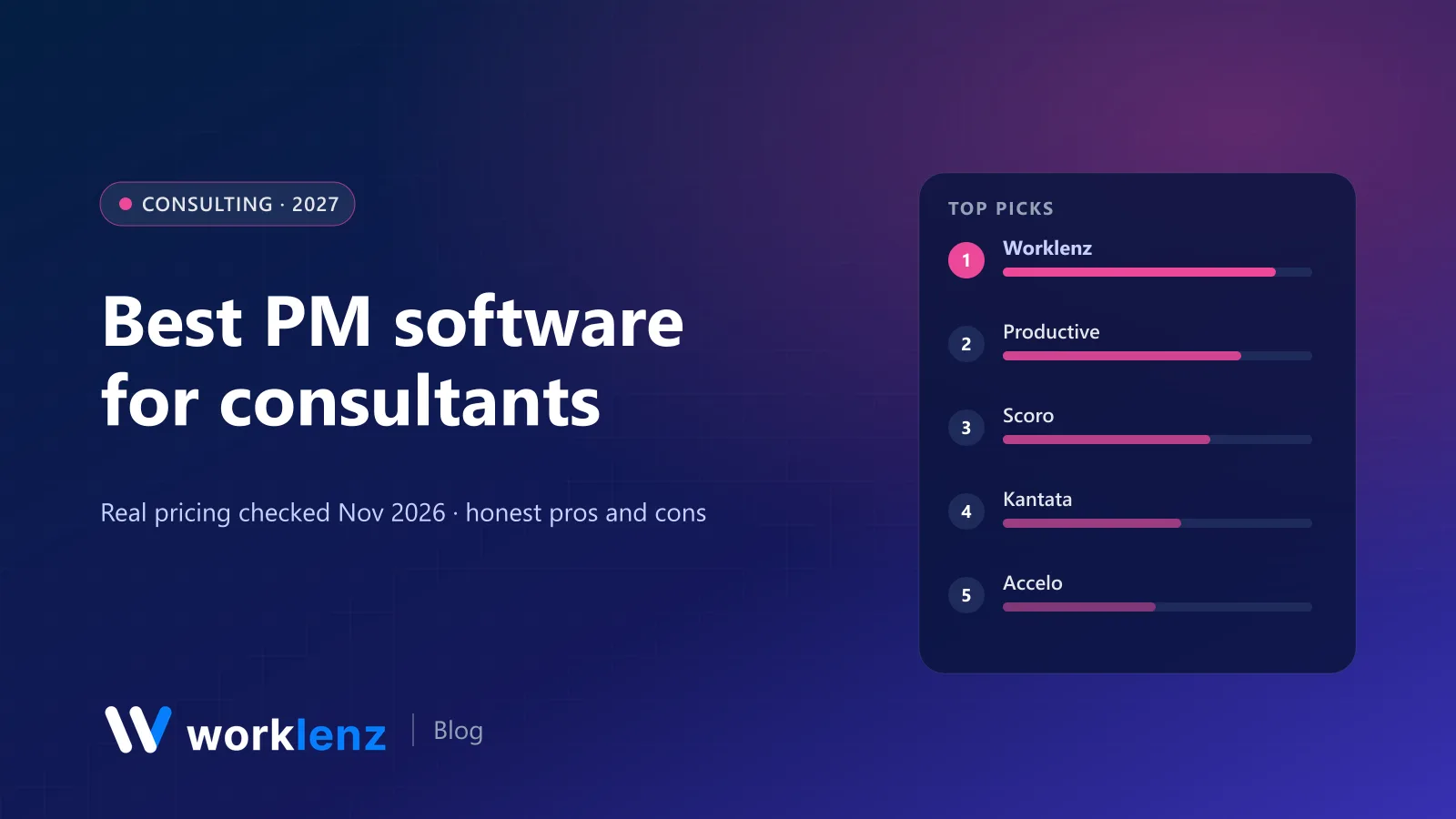
- Best for small and mid-size consulting firms: Worklenz
- Best for profitability and forecasting: Productive
- Best for quote-to-cash: Scoro
- Best for large professional services firms: Kantata
- Best for retainers and ongoing advisory: Accelo
- Best for implementation consultancies: Rocketlane
- Best for solo consultants: Bonsai
Comparison table
| Tool | Firm size | Starts at (annual) | Utilisation | Client reporting | Invoicing |
|---|---|---|---|---|---|
 Worklenz |
2–100 | $6/user | Workload and time reports (Pro) | Client portal (Pro) | Pro |
 Productive |
10–200 | ~$10–12/user | Yes | Reports | Integrations |
 Scoro |
5–200 | $17/user (min 5) | Yes | Portal add-on | Yes |
 Kantata |
100+ | Quote | Deep | Yes | Yes |
 Accelo |
10–200 | Quote | Yes | Client portal | Yes |
 Teamwork.com |
5–100 | $9.99/user | Accelerate | Client users | Basic invoices |
 Rocketlane |
10–200 | $49/member (min 5) | Premium | Branded customer portal | Premium |
 Bonsai |
1–5 | $9/user | No | Portal (Essentials) | Essentials |
 Moxie |
1–5 | $10/mo | No | Portal (Pro) | Starter |
 Harvest |
1–50 | $9/seat | Capacity view | Reports | Free and up |
Which tool for which firm
| Your practice | Start with |
|---|---|
| Solo consultant | Bonsai, Moxie or Harvest |
| 3–30 person boutique | Worklenz (Pro, then Business for finance) |
| 30–150 person firm focused on margin | Productive or Scoro |
| Advisory firm with retainers | Accelo |
| Software implementation partner | Rocketlane |
| 200+ consultants | Kantata |
The 10 best tools for consultants
1. Worklenz
Worklenz fits how small and mid-size consultancies run engagements. Each engagement is a project with phases and templates (discovery, analysis, recommendations, implementation), and consultants log time on the tasks they’re doing. Workload and member time reports show utilisation across engagements, estimated-vs-actual reports show which phases overrun, and the client portal gives clients a current view of progress and a place to send requests. Invoices go out from the same system.
Pro is $6 a user annually with time tracking, timesheets, workload, client portal and invoices. Business ($10) adds project finance, billable work reports and advanced reporting. The open source Community edition can be self-hosted when client confidentiality requires it.
Strengths: engagements, utilisation and client reporting at $6–10; self-hostable. Limitations: no proposals or e-signature; no revenue recognition.
Pick it if: you want engagements, utilisation and client reporting without enterprise PSA pricing. Skip it if: you need consolidated financials across entities.
See Worklenz for consultancies.
2. Productive
Productive gives consulting firm owners what they ask for most: budgets, rate cards and profitability per engagement, plus resource planning. Revenue forecasting and scenario building are on Ultimate.
Pick it if: margin visibility is the priority. Skip it if: you’re under 10 people.
3. Scoro
Scoro handles the full quote-to-cash cycle: estimates, projects, time, billing and reporting. From $17 a user with a 5-user minimum; End-to-end is $57.
Pick it if: you quote every engagement and want that quote to become the budget. Skip it if: you need something lightweight.
4. Kantata
Kantata is the established choice for larger consulting and professional services firms, with deep resource management by role and skill, financials and ERP integrations. Quote-only pricing.
Pick it if: you’re staffing hundreds of consultants. Skip it if: you want to self-serve.
5. Accelo
Accelo is strong for advisory firms with retainers and ongoing client work, combining sales, projects, retainers, tickets and billing, plus a client portal. Quote-only pricing.
Pick it if: recurring advisory work is a big share of revenue. Skip it if: you need transparent pricing.
6. Teamwork.com
Teamwork.com is a good fit for consultancies that want a polished project tool with client users (Basics, $9.99) and workload, budgets and retainers on Accelerate ($24.99, minimum 5).
Pick it if: you want a mature PM tool your clients can log into. Skip it if: you need full invoicing below Optimize.
7. Rocketlane
Rocketlane is built for implementation and onboarding consultancies: branded customer portals and timesheets on Standard ($49), resource planning, budgets and invoicing on Premium ($69), both with a 5-member minimum.
Pick it if: your engagements are software implementations. Skip it if: you do strategy or advisory work.
8. Bonsai
Bonsai is a strong all-in-one for solo consultants: CRM, tasks and time tracking from $9; proposals, contracts, client portal and invoices on Essentials ($19).
Pick it if: you’re independent and want admin handled. Skip it if: you’re building a team.
9. Moxie
Moxie covers proposals, contracts, invoicing, projects and time tracking from $10 a month annually, with a white-labelled client portal on Pro ($20).
Pick it if: you’re solo and price-conscious. Skip it if: you need more than five people.
10. Harvest
Harvest is the simplest route for consultants who just need to track time and invoice clients. Teams is $9 a seat annually, with invoicing on every plan and QuickBooks and Xero integrations.
Pick it if: time and invoices are all you need. Skip it if: you need to manage engagements in detail.
Utilisation, worked through
Utilisation is billable hours divided by available hours. For a consultant with 40 contracted hours, 4 hours of leave and 26 billable hours in a week:
- Available hours: 40 − 4 = 36
- Utilisation: 26 ÷ 36 = 72%
If your target for that role is 75%, they’re close. If it’s been 72% for six weeks while the firm is turning work away, the problem is probably allocation, not effort. A tool that shows utilisation by person and role every week turns that from a guess into a conversation.
The consulting firm checklist
Before you choose, make sure the tool can do these five things with your data:
- Show utilisation by consultant, billable vs non-billable, for last month.
- Show budget vs actual for one engagement, by phase.
- Support both fixed-fee and time-and-materials engagements.
- Give a client a status view without exposing internal notes.
- Produce an invoice or billing export your accountant accepts.
Billing models, and what your tool must support
| Model | How it’s billed | What the tool needs |
|---|---|---|
| Time and materials | Hours × rate, invoiced monthly | Approved timesheets, billable rates, invoices from time |
| Fixed fee | Agreed price, often by milestone | Phase budgets, burn tracking, milestone invoices |
| Retainer | Monthly fee for a set scope or hours | Recurring budget, burn alerts, out-of-scope tracking |
| Value or outcome based | Fee tied to results | Still track time internally to know your real margin |
A reusable engagement template
- Discovery: stakeholder interviews, data requests, current-state review.
- Analysis: findings, options, cost-benefit work.
- Recommendations: draft, client review, final report.
- Implementation support: workshops, handover, follow-up check-in.
Give each phase an hour budget. After five engagements, compare the template’s budgets with actuals and adjust. That’s how your quotes get more accurate.
FAQ
What is the best project management software for consultants?
How do consulting firms track utilisation?
What's the best tool for a solo consultant?
Should consultants bill fixed fee or time and materials?
How do consultants keep client data confidential in a PM tool?
Run engagements, utilisation and client updates in one place.
Worklenz Pro is $6 a user on annual billing. Business adds project finance for $10.
Start a free trialRelated: How to manage a consulting project · Best PSA software · How to track project budget vs actual