
10 Best Open Source PM Tools for Government (2027)
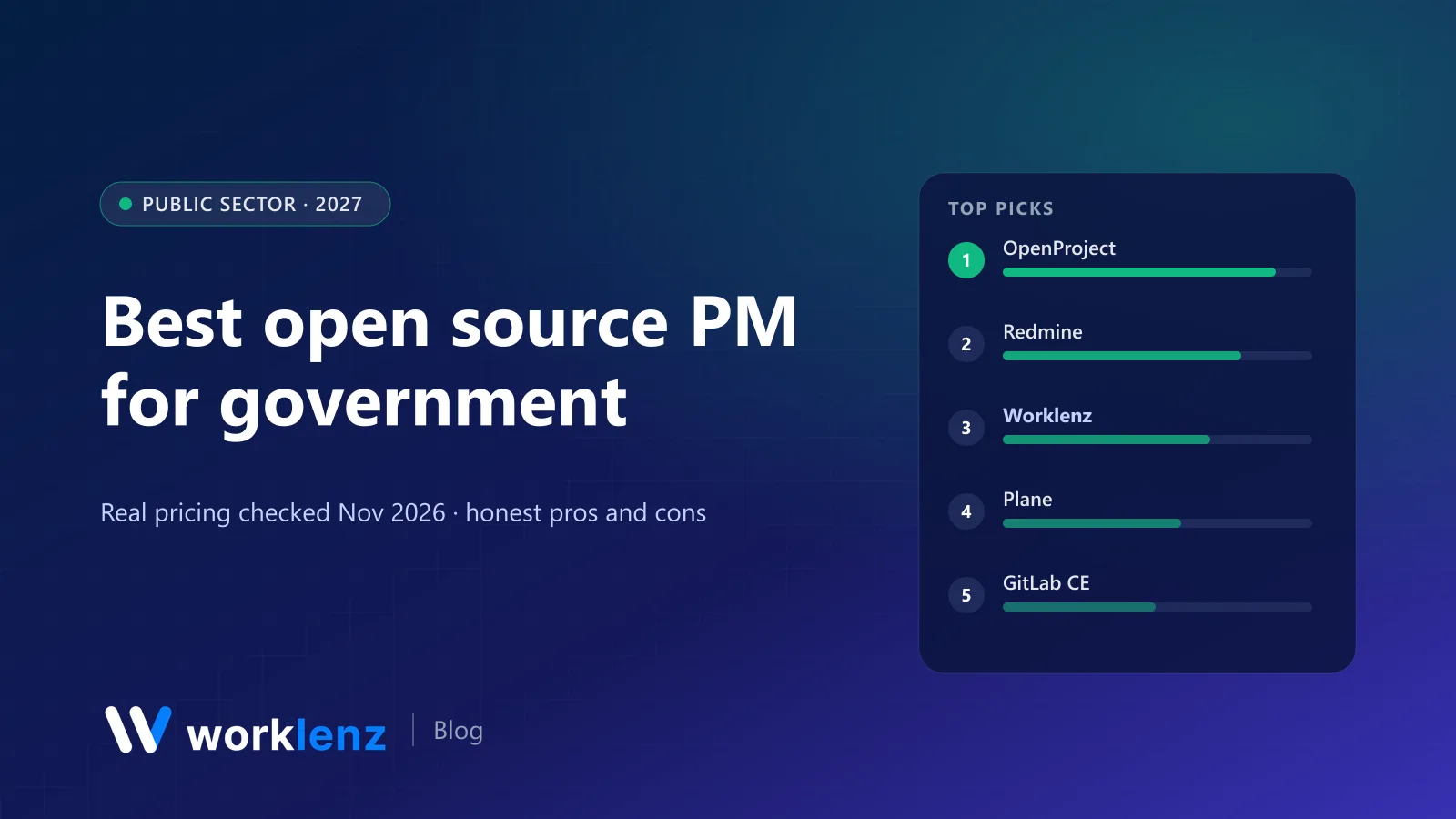
Public-sector teams have constraints most software buyers don’t. Data often has to stay on government-controlled infrastructure. Procurement prefers no lock-in. Licence costs per seat look very different across 5,000 civil servants. And in many countries, there’s an explicit policy preference for open source.
That makes self-hosted, open source project management a natural fit. We checked licences and maintenance status on GitHub on 19 November 2026, and noted where security features like SSO are only in paid editions. We make Worklenz, which is on this list.
Quick picks
- Most established in the public sector: OpenProject
- Long-standing, plugin-rich option: Redmine
- Best for service delivery and contracted projects: Worklenz
- Best for digital and engineering teams: Plane or GitLab CE
- Best for files plus light Kanban: Nextcloud with Deck
- Best for small teams that want simplicity: Vikunja
Comparison table
| Tool | Licence | Maintained | Strength | SSO |
|---|---|---|---|---|
 OpenProject |
GPL-3.0 | Yes | Gantt, budgets, reporting, openDesk | Check edition |
 Redmine |
GPL-2.0 | Yes | Issue tracking, wiki, plugins | Via plugins |
 Worklenz |
AGPL-3.0 | Yes | Projects, time, resource planning, stakeholder portal | Self-hosted Business edition |
 Plane |
AGPL-3.0 | Yes | Modern issue tracking | Check edition |
 GitLab CE |
MIT (Community Edition) | Yes | Issues and boards next to code | Yes |
 Nextcloud + Deck |
AGPL-3.0 | Yes | Files, sharing, simple Kanban | Yes |
 Taiga |
MPL-2.0 | Yes | Agile Scrum and Kanban | Check |
 Leantime |
AGPL-3.0 | Yes | Simple, goal-focused PM | Check edition |
 Vikunja |
AGPL-3.0 | Yes | Lightweight task management | OpenID Connect |
 ERPNext |
GPL-3.0 | Yes | Projects with finance and HR | Yes |
Avoid for new deployments: Huly (repository frozen, hosted service shut down), Focalboard (not maintained) and Kanboard (maintenance mode).
Which tool for which public-sector team
| Team | Start with |
|---|---|
| Programme or PMO office | OpenProject |
| Digital service team building software | Plane or GitLab CE |
| Shared service delivering projects to other departments | Worklenz |
| Research institute already on Redmine | Redmine |
| Small team needing private task lists | Vikunja |
| Department that needs projects tied to finance and HR | ERPNext |
The 10 best open source tools for government
1. OpenProject
OpenProject (GPL-3.0, ~17.5k stars) is the reference open source PM tool for the public sector. Work packages, Gantt charts, baselines, roadmaps, budgets, time and cost reporting, and meeting management. It’s one of the applications in openDesk, the sovereign workplace suite developed for the German public administration, alongside tools like Nextcloud. The Community edition is free; enterprise editions add features and support, with special rates for education and NGOs.
Pick it if: you run formal programmes and need reporting upward. Skip it if: your teams want a lightweight, fast tool.
2. Redmine
Redmine (GPL-2.0) has been used in public administrations and research institutions for nearly two decades. Issue tracking, wikis, time tracking, Gantt and a large plugin ecosystem. It’s stable and well understood by IT departments.
Pick it if: your IT team already supports it. Skip it if: user experience is a priority.
3. Worklenz
Worklenz fits public-sector teams whose work looks like service delivery: digital service teams, contracted programmes, shared services that bill internally, and teams that need to show stakeholders progress. Projects with phases and templates, list, board and Gantt views, time logged against tasks, resource planning and a scheduler, financial insights, and a portal for external stakeholders. It’s AGPL-3.0 and deploys with Docker on your own infrastructure, with PostgreSQL and S3-compatible storage.
The Community edition is free for unlimited users. The self-hosted Business edition adds SSO, advanced reporting, custom branding, backup and restore and priority support (pricing by edition, via sales).
Pick it if: you deliver projects for internal or external clients and need hours and capacity. Skip it if: you need decades of public-sector references.
4. Plane
Plane (AGPL-3.0, ~63k stars) is a modern issue tracker for digital and engineering teams, with cycles, modules and pages. A good fit for government digital service teams building software.
Pick it if: your team builds digital services. Skip it if: you need budgets and time tracking.
5. GitLab CE
GitLab Community Edition is open source and many public bodies already run it for code. Its issues, boards, milestones and epics (some in paid tiers) let engineering teams plan next to their repositories.
Pick it if: you already self-host GitLab. Skip it if: non-technical staff need to plan work.
6. Nextcloud with Deck
Nextcloud (AGPL-3.0, ~38k stars) is widely used by governments for sovereign file sharing and collaboration. Its Deck app adds Trello-style boards. Deck’s own README says it’s not yet ready for intensive usage, so treat it as light task tracking.
Pick it if: you already run Nextcloud and need simple boards. Skip it if: you need real project management.
7. Taiga
Taiga’s agile tooling (Scrum, Kanban, epics, user stories) with an MPL-2.0 backend suits agile delivery teams.
Pick it if: you run Scrum. Skip it if: you need formal plans and budgets.
8. Leantime
Leantime (AGPL-3.0) is simple and goal-focused, designed with neurodivergent users in mind, which can help with accessibility goals.
Pick it if: you want approachable PM for non-specialists. Skip it if: you need enterprise reporting.
9. Vikunja
Vikunja (AGPL-3.0) is lightweight, easy to deploy, and supports OpenID Connect for single sign-on.
Pick it if: a small team needs private task management quickly. Skip it if: you need portfolio reporting.
10. ERPNext
ERPNext (GPL-3.0) combines projects with accounting, HR and procurement. Some public bodies and state-owned enterprises use it as an open source ERP.
Pick it if: you need projects tied to finance. Skip it if: you only need project management.
A procurement checklist for open source PM
- Licence review. GPL and AGPL are fine for internal use; understand the obligations if you modify and expose the software.
- Edition features. SSO, audit logs and advanced permissions are sometimes in paid editions only. List what’s in the free one.
- Maintenance and security. Check release frequency, how security issues are reported, and whether there’s a support contract option.
- Hosting. Confirm it runs fully on-premises or in your sovereign cloud with no external calls you can’t disable. For example, Worklenz’s self-hosted build sends an installation heartbeat by default, which can be switched off with a configuration setting.
- Exit plan. Make sure you can export data in open formats.
- Accessibility. Test with your accessibility requirements (WCAG) before rollout.
Total cost of ownership, honestly
Open source removes licence fees, not costs. Budget for:
| Cost | Typical range |
|---|---|
| Hosting (on-prem or sovereign cloud) | Existing infrastructure, or a modest VM per tool |
| Initial setup, SSO, hardening | Days of engineering time, not weeks, for most tools here |
| Updates and monitoring | A few hours a month |
| Support contract (optional) | Available from OpenProject, Worklenz and others for paid editions |
| Training | Usually less than proprietary tools, because licences don’t limit who can try it |
A six-week pilot plan
| Week | Activity |
|---|---|
| 1 | Deploy in a test environment that mirrors production security; connect SSO if available |
| 2 | Load one real programme; train the pilot team (one hour is usually enough) |
| 3–4 | Run the programme in the tool; collect issues weekly |
| 5 | Security and accessibility review; test export and backup restore |
| 6 | Write up costs (hosting, support, admin time), user feedback and an exit plan |
At the end you should be able to say what wider rollout would cost, who would support it, and how you’d leave if you had to.
FAQ
What is the best open source project management tool for government?
Why do governments choose open source project management software?
Can government agencies use AGPL-licensed software?
What security features should government project management software have?
How should a public body pilot an open source project management tool?
Open source project delivery on your own infrastructure.
Worklenz Community is free for unlimited users. The self-hosted Business edition adds SSO and priority support.
Self-host WorklenzRelated: Switzerland’s government software goes open source · Self-hosted project management guide · The hidden costs of proprietary software