
10 Best Gantt Chart Software for 2027
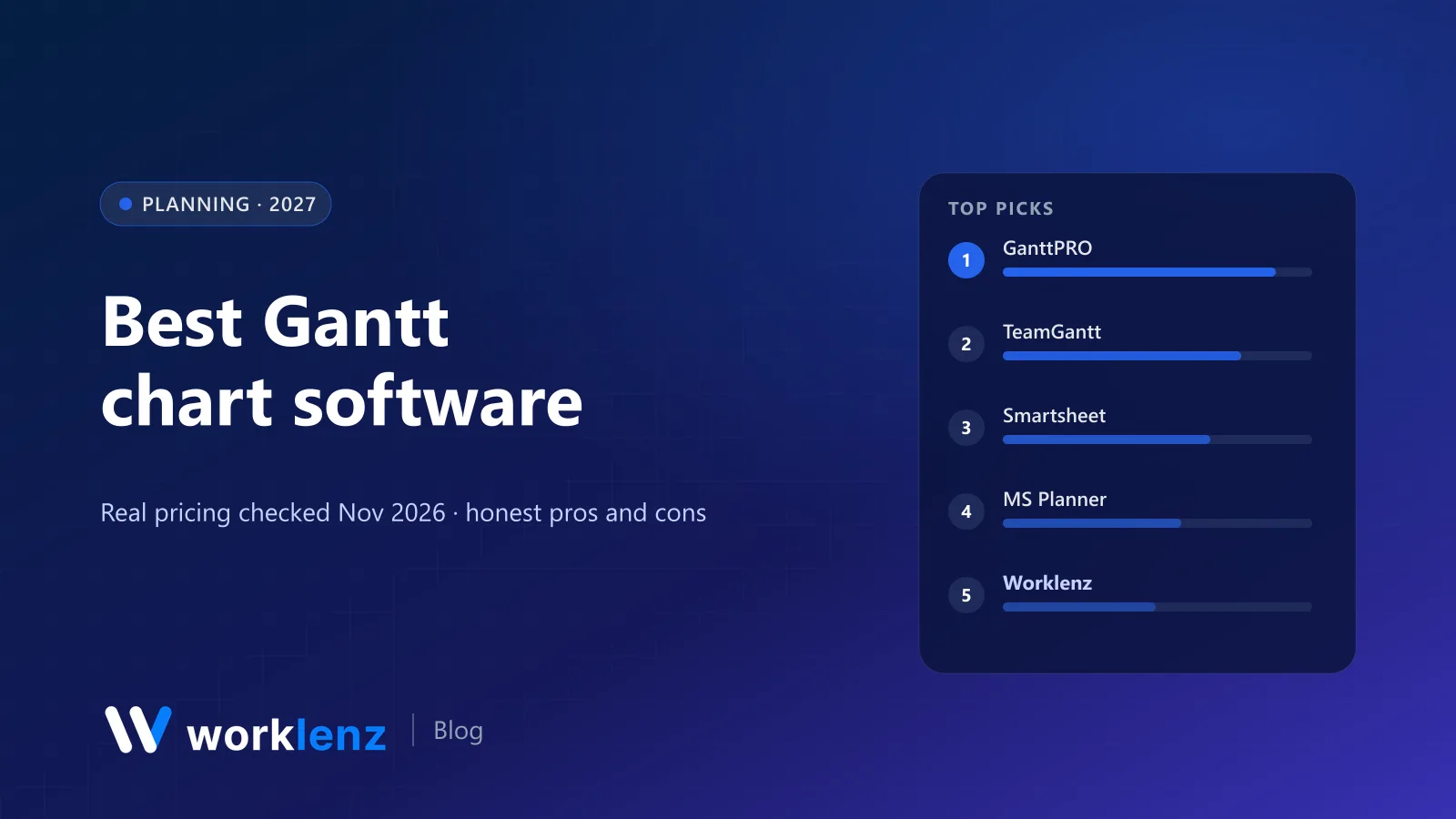
A Gantt chart is either the centre of how you plan or a view you open twice a month to reassure a stakeholder. Those two groups need very different software, and most “best Gantt” lists don’t separate them.
So we’ve split this list: dedicated Gantt tools first, then project suites with good Gantt charts. Prices are from vendor pages on 19 November 2026. We make Worklenz, which has a Gantt view, and we’ve placed it honestly: it’s a good Gantt inside a client-work tool, not a specialist scheduler.
Quick picks
- Best dedicated Gantt tool: GanttPRO
- Easiest for occasional planners: TeamGantt
- Best for spreadsheet thinkers: Smartsheet
- Best for formal schedules in Microsoft shops: Microsoft Planner and Project
- Best Gantt inside a client-work tool: Worklenz
- Best free (self-hosted): OpenProject Community
- Best free on the cloud: Teamwork.com Free
Comparison table
| Tool | Type | Gantt from | Price (annual unless noted) | Free option |
|---|---|---|---|---|
 GanttPRO |
Dedicated | Core | $7/user | 14-day trial |
 TeamGantt |
Dedicated | All plans | $59/mo flat (Base, monthly) | 14-day trial (card required) |
 Smartsheet |
Suite | Pro | $9/member | 30-day trial |
 Microsoft Planner/Project |
Suite | Planner Plan 1 | ~$10/user (Plan 3 ~$30) | No |
 Worklenz |
Suite | Pro (view), Business (edit) | $6 / $10 per user | Free online Gantt maker; self-hosted free |
 Wrike |
Suite | Team | $10/user | Free plan (no Gantt) |
 OpenProject |
Suite (open source) | Community | Free self-hosted | Yes |
 monday.com |
Suite | Standard | $12/seat (3-seat min) | Free plan (no Gantt) |
 Zoho Projects |
Suite | Premium | ~$4/user | 5 users |
 Teamwork.com |
Suite | Free | $9.99/user for Basics | 5 users, 5 projects |
Dedicated Gantt chart tools
1. GanttPRO
GanttPRO is the best balance of power and simplicity for teams that plan by timeline. Every plan includes the Gantt view with dependencies, milestones and unlimited projects. Core is $7, Advanced $10, Business $17 and Enterprise $25 per user per month on annual billing. Business adds time tracking, workload and budget planning. There’s a 14-day trial without a card.
Strengths: Gantt-first design; unlimited projects on every plan; workload and budgets on Business. Limitations: less useful for board-based teams; time tracking needs Business.
Pick it if: timelines drive your projects and you want a tool built around them. Skip it if: your team mostly works from boards and task lists.
2. TeamGantt
TeamGantt is the friendliest Gantt tool for people who don’t plan projects for a living. Drag-and-drop bars, simple dependencies, comments on tasks. Pricing is flat per plan, not per seat: Base is $59 a month (5 projects, 1 manager, 10 collaborators, 150 tasks per project), Business starts at $120 and Builder Edition is $199 with workload management and a client portal. Annual billing saves 20%. The 14-day trial asks for a card.
Strengths: easiest to learn; flat pricing suits “few planners, many viewers”. Limitations: project and task caps on Base; card required for the trial.
Pick it if: a few managers plan, many people view. Skip it if: you need lots of projects on a small budget.
Project suites with strong Gantt charts
3. Smartsheet
Smartsheet’s Gantt view sits on top of its spreadsheet grid, so you can switch between rows and bars instantly. Gantt is on Pro ($9 annually, 1–10 members); Business ($19, 3+ members) adds workload tracking and unlimited free guests.
Strengths: grid and Gantt in one; strong for spreadsheet users. Limitations: no free plan; Pro capped at 10 members.
Pick it if: your plans start life in Excel. Skip it if: you dislike spreadsheet interfaces.
4. Microsoft Planner and Project
Microsoft folded Project into Planner. Planner Plan 1 (about $10 a user) adds timeline (Gantt) view, dependencies and sprints; Planner and Project Plan 3 (about $30) adds advanced dependencies with lead and lag, resource requests and the classic critical-path scheduling Project is known for. Prices vary by region; these are commonly cited US figures.
Strengths: the reference tool for formal scheduling; fits Microsoft 365. Limitations: Plan 3 is expensive; less friendly for casual users.
Pick it if: you’re in Microsoft 365 and need formal scheduling. Skip it if: you’re not in the Microsoft ecosystem.
5. Worklenz
Worklenz’s Gantt view shows tasks and phases on a timeline with dependencies, inside a tool that also handles time tracking, workload, a client portal and invoicing. On Pro ($6 annually) the Gantt and scheduler are view-only; Business ($10) gives full Gantt and scheduler editing. The self-hosted open source edition includes the Gantt view for free.
For a quick, one-off chart with no account, Worklenz also has a free online Gantt chart maker.
Strengths: timeline connected to hours, people and clients; free Gantt maker; open source. Limitations: lighter than specialist schedulers for complex programmes; editing needs Business.
Pick it if: you deliver client projects and want the timeline next to time and budget. Skip it if: Gantt is the main tool and you need critical path.
6. Wrike
Wrike’s interactive Gantt charts start on Team ($10, 2–15 users). It handles dependencies and cross-project timelines well, and Business ($25) adds more governance.
Strengths: strong cross-project timelines. Limitations: time tracking and budgets need Pinnacle.
Pick it if: you want strong Gantt in a structured enterprise tool. Skip it if: you need time tracking or budgets without a Pinnacle quote.
7. OpenProject
OpenProject’s Community edition is free, open source (GPL-3.0) and has one of the best Gantt implementations in open source: dependencies, milestones, baselines and roadmaps. You host it yourself; cloud plans start at €5.95 a user with a 25-user minimum.
Strengths: serious Gantt with no licence cost; strong in public sector. Limitations: you run the server; cloud has a 25-user minimum.
Pick it if: you want a serious Gantt tool with no licence cost. Skip it if: nobody on the team can run a server.
8. monday.com
monday.com’s timeline and Gantt views arrive on Standard ($12 a seat annually, 3-seat minimum). They’re easy to use and fit monday’s colourful boards, but dependency handling is simpler than in dedicated tools.
Strengths: easy timeline for monday users. Limitations: dependency handling is simpler than dedicated Gantt tools.
Pick it if: you’re on monday.com and want a timeline view. Skip it if: your schedules are complex.
9. Zoho Projects
Zoho Projects includes Gantt charts with task dependencies on its paid tiers, starting with Premium at about $4 a user annually. It’s the cheapest way to get a capable Gantt chart from a cloud vendor.
Strengths: cheapest capable cloud Gantt. Limitations: dated interface.
Pick it if: you want Gantt on a tight budget. Skip it if: your team needs a modern interface.
10. Teamwork.com
Teamwork.com is one of the few cloud tools with Gantt on the free plan (5 users, 5 projects). Basics ($9.99, minimum 3) adds client users.
Strengths: free cloud Gantt; client users on Basics. Limitations: 5-project free cap; workload needs Accelerate.
Pick it if: you want a free Gantt for a small team. Skip it if: you need more than 5 projects without paying.
Also worth a look
- Instagantt: Gantt charts for Asana users.
- Kanbanchi: Gantt for Google Workspace teams.
- ProjectLibre: free desktop alternative to Microsoft Project.
- Paymo Pro: task and portfolio Gantt charts with time tracking and invoicing.
How to choose Gantt chart software
- How many people edit the plan? If one or two, flat-price tools like TeamGantt are efficient. If everyone updates tasks, per-user suites make more sense.
- Do you need critical path? Microsoft Project is the reference; check GanttPRO and Smartsheet in a trial if you’d rather not use Microsoft.
- Does the timeline need to know about hours and people? Then pick a suite with workload and time tracking (GanttPRO Business, Worklenz, Wrike).
- Do clients need to see it? Check guest and client access: Worklenz, TeamGantt Builder and Smartsheet Business all handle external viewers.
Building a Gantt chart people trust
- Start from phases and milestones, not individual tasks.
- Add only real dependencies. Linking everything to everything makes the chart useless.
- Save a baseline before work starts, so you can see drift.
- Update weekly. A Gantt chart that’s two weeks stale is worse than none.
- Share a read-only view with stakeholders instead of screenshots.
What each Gantt tool costs
Monthly cost on annual billing for the plan that includes an editable Gantt chart:
| Tool and plan | 5 people | 10 people | 25 people |
|---|---|---|---|
| Zoho Projects Premium | ~$20 | ~$40 | ~$100 |
| Worklenz Business (full Gantt editing) | $50 | $100 | $250 |
| GanttPRO Core | $35 | $70 | $175 |
| Smartsheet Pro (max 10) / Business | $45 | $90 | $475 (Business) |
| Wrike Team (max 15) / Business | $50 | $100 | $625 (Business) |
| Microsoft Planner Plan 1 | ~$50 | ~$100 | ~$250 |
| monday.com Standard | $60 | $120 | $300 |
| TeamGantt Base (flat, monthly) | $59 | $59 (1 manager, 10 collaborators) | Business from $120 |
| OpenProject Community | Free (self-hosted) | Free | Free |
| Teamwork.com Free / Basics | Free (5 users) | ~$100 | ~$250 |
TeamGantt’s flat pricing is the odd one out: it’s expensive for a team of three and cheap for one planner with lots of viewers.
When a Gantt chart is the wrong view
Gantt charts are brilliant for work with real dependencies and fixed dates: construction, events, product launches, migrations, anything with a regulator or a venue booking at the end. They’re a poor fit for:
- Continuous work like support queues or content production, where a board shows flow better.
- Very short tasks. A chart full of half-day bars is noise; group them into phases.
- Early discovery, when you don’t know the tasks yet. Plan phases and milestones first, then fill in detail as it firms up.
Most teams end up using a Gantt chart for the plan and a board or list for the day-to-day. Choose a tool that does both if that sounds like you.
Common Gantt mistakes
- Planning at task level on day one. You’ll spend more time moving bars than doing work. Start with phases.
- No buffer. If every task finishes exactly when the next one starts, the first delay breaks everything.
- Ignoring capacity. A neat timeline that books one person at 150% isn’t a plan. Check workload alongside the chart.
- Treating the chart as a promise. Share it as a forecast, update it weekly, and tell stakeholders when the finish date moves.
FAQ
What is the best Gantt chart software?
Is there free Gantt chart software?
Do I need dedicated Gantt software or a project management tool with Gantt?
What features should Gantt chart software have?
What is the critical path in a Gantt chart?
Plan the timeline next to the hours and the client.
Worklenz puts the Gantt view beside time tracking, workload and the client portal. Or try the free Gantt chart maker.
Try Worklenz freeRelated: Worklenz vs GanttPRO · Worklenz vs TeamGantt · How to plan a project timeline with phases · Best PM software for architecture firms